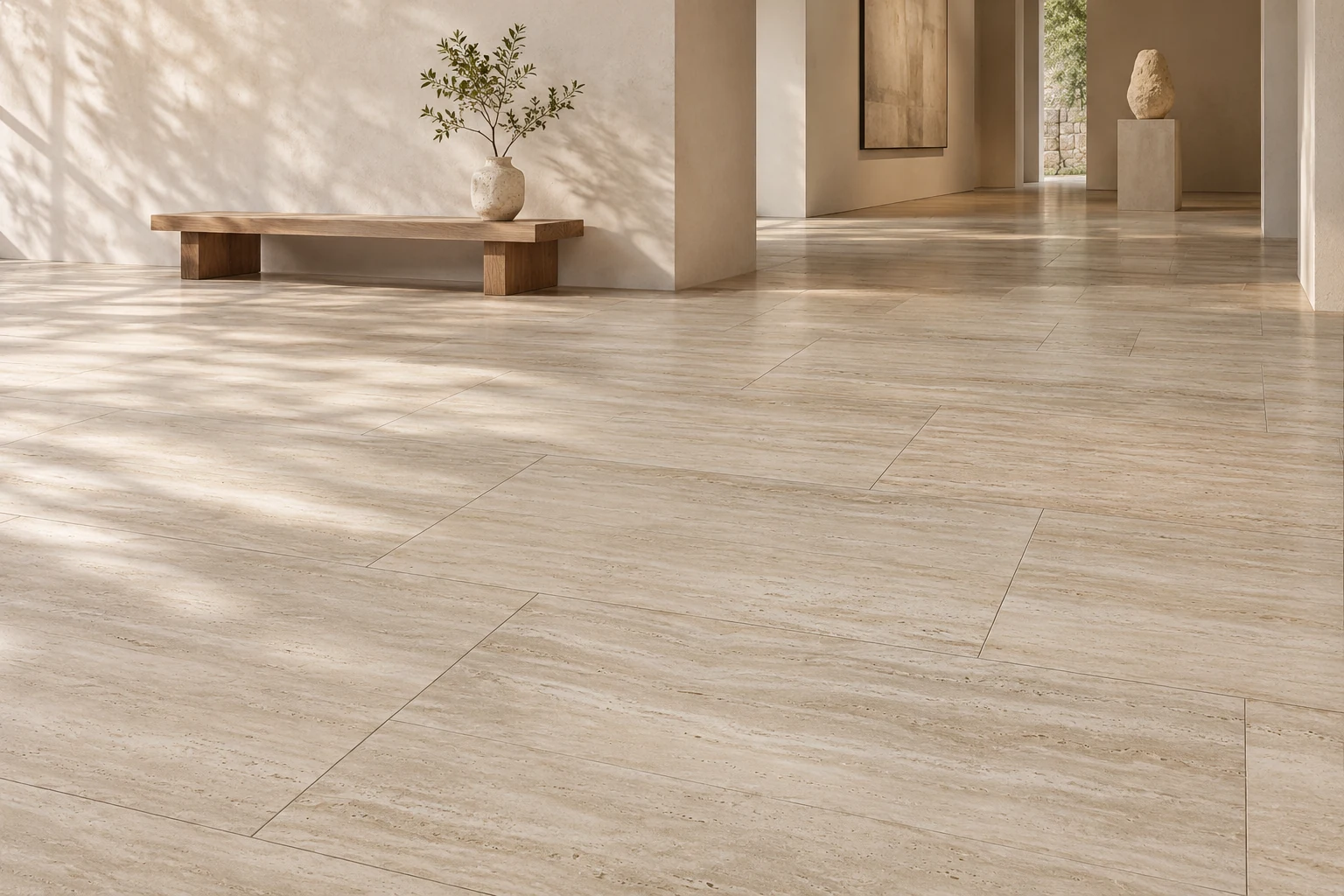
Build a material brief room by room
Record the intended position, area and visual features you want to keep. Shortlist materials for each position. Before requesting prices, write down the sizes, edge details or samples to confirm against each link.
From use to product
Begin with the intended position and the effect you want. Choose a relevant category, then narrow the comparison to individual designs and product details.
Six details to consider
Position
Describe where the material will be used.
Appearance
Save the colours and patterns you like.
Form
Distinguish pieces, compositions and components.
Dimensions
Check the values listed for the product.
Finish
Read the surface description with the images.
Relationships
List accessories, patterns and main products separately.
From browsing to a list
- Choose a direction
Use the intended position and visual preferences to explore a category. - Save the entry
Note the product name, model or reference. - Compare the details
Review the form, dimensions, finish and application views. - List your questions
Connect each question to the product it concerns.
Explore product lists by category.
Download product list
Applications

Wall & floor tiles
Applications